For TikTok LIVE creators on Windows
Everything your TikTok LIVE needs, in one app.
Alerts, sounds and voices. A subathon timer, a prize wheel and your chat on screen. Song requests, chat commands and viewer points. CUE runs it all on your PC and plays it through one link in TikTok LIVE Studio.
Scroll to start the show
- 1
Go LIVE
Paste your CUE link into LIVE Studio once. From then on, CUE is on screen the moment you go LIVE.
- TikTokYou went LIVE
- CUEConnected to your LIVE
- CUEOverlays on in LIVE Studio
- 2
Chat on screen
Your chat shows on the stream, so people who just joined can see what's going on.
- TikToknova.plays: this setup is clean
- CUEShown in chat on screen
- 3
A new follower
They get an alert with their name, a sound and a voice reading it out. You choose the look. Sound is off here.
- TikTokjaybird followed
- CUEPlayed the follow alert
- CUEPlayed a sound and read the name out
- CUEAdded 10 seconds to the timer
- 4
Subathon timer
Every coin, follow and share adds time to the clock. Viewers keep you on air.
- TikTokmira_xo shared the LIVE
- CUEAdded 30 seconds to the timer
- 5
A big gift
TikTok plays its gift animation first. CUE waits for it to finish, then plays your alert, so viewers see both.
- TikTokbig_whale sent a Corgi, 299 coins
- CUEWaited for TikTok's gift animation
- CUEPlayed the gift alert and sound
- CUEAdded 4 minutes 59 seconds to the timer
- 6
Song request
A viewer types !song with a song and artist. It joins your Spotify queue and the now playing card updates.
- TikTokkay.cee: !song Midnight Drive - Neon Coast
- CUEFound it on Spotify and queued it
- CUEUpdated the now playing card
- 7
Prize wheel
Viewers earn points for watching, chatting and gifting, then spend them on !spin. The wheel picks what you do next.
- TikToknova.plays: !spin
- CUETook 500 points, 1,202 left
- CUESpun the prize wheel
- 8
Your turn
That's one LIVE, run by CUE. Send your own events to the phone.
This is CUE's real overlay code running in your browser.
Try everything free in Practice mode before you go LIVE.
One link in LIVE Studio. That's the setup.
- Install CUE. It runs on your PC and updates itself.
- Paste your CUE link into a Link source in TikTok LIVE Studio.
- Go LIVE. Alerts, timers, the prize wheel and chat all play through that one link.
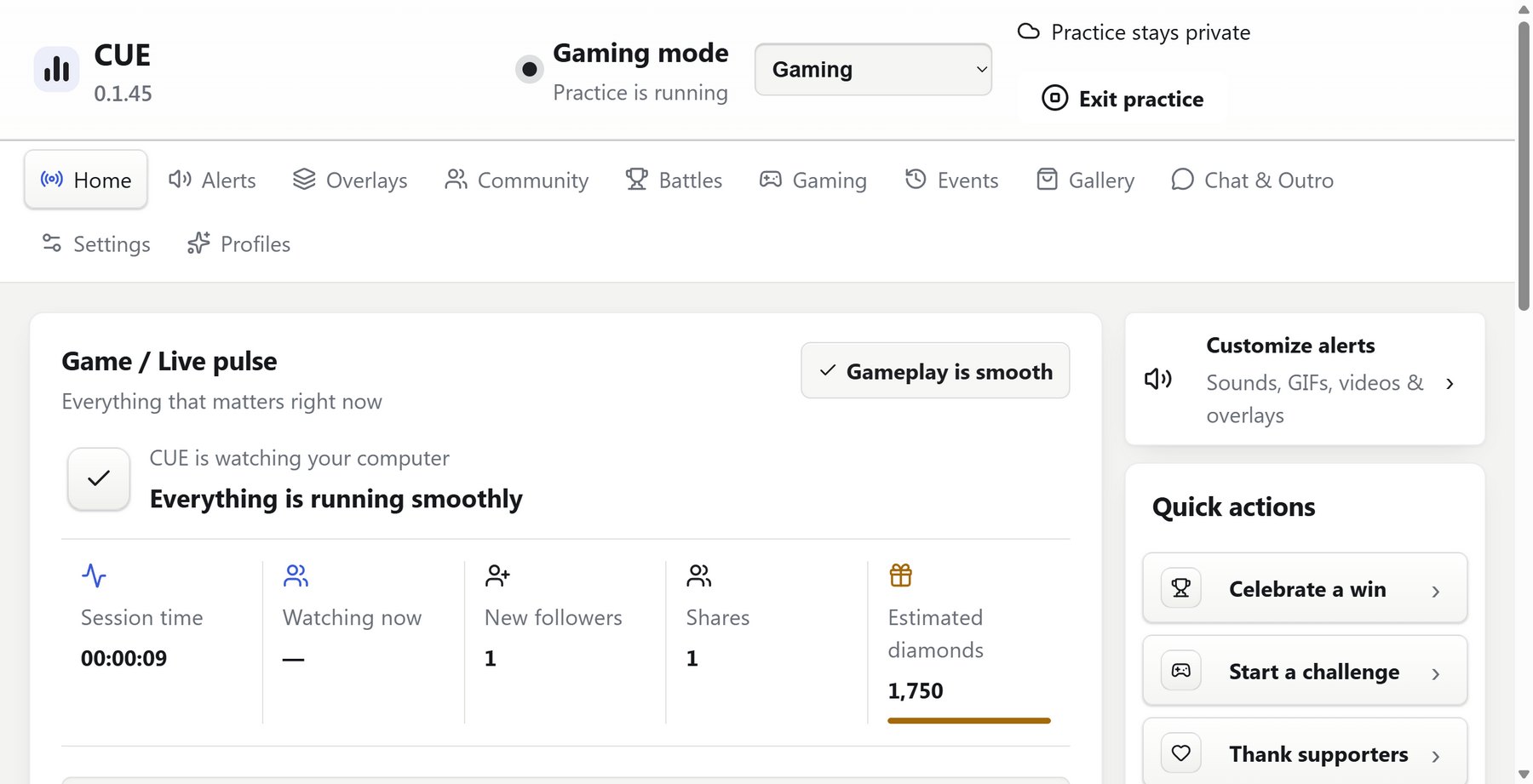
What you can put on your LIVE
Also works with OBS Studio, Streamer.bot and webhooks.
Details that look better on stream
When someone sends a big gift, TikTok plays its own animation first. Most alert tools fire right on top of it. CUE holds the alert until TikTok is done, so viewers see both.
Every alert, timer and widget can be dragged anywhere on screen and resized. Text shrinks to fit long names instead of cutting them off.
Pricing
Every plan has every CUE feature. Pay yearly and get two months free.
| Plan | CUE Square | CUE | CUE + Tracking |
|---|---|---|---|
| Monthly | $12 | $20 | $30 |
| Yearly | $120 | $200 | $300 |
| Who it's for | Active Square One creators | Any TikTok LIVE creator | Creators who want their numbers |
| LIVE connection | Through ONEhub | From your PC | From your PC |
| LIVE history and top supporters | In ONEhub | Not included | Inside CUE |
| Earn as an affiliate | Yes | No | No |
| Available | Now | Opening soon. Get notified | Not available yet. Get notified |
Prices in US dollars. Cancel any time. Packages from the CUE store are extra and yours to keep.
Join Square One
Square One is the TikTok LIVE agency behind CUE. Its creators get CUE for $12 a month when they link their ONEhub account, and can join the CUE affiliate program to earn on every creator they bring in.
Questions
Does it work with TikTok LIVE Studio?
Yes, that's what it's built for. Add one Link source in LIVE Studio and everything CUE shows plays through it. OBS Studio works too.
What do I need?
A Windows 10 or 11 PC that runs LIVE Studio. The voices run on your PC and are quick on most machines.
Can I use my own sounds?
Yes. Add your own files, take any sound from Myinstants in one click, or use the 80 that come with CUE.
Can viewers request songs?
Yes, with Spotify Premium. Viewers type !song with the song and artist. You choose who can request, how many, and whether it costs points.
Is CUE made by TikTok?
No. CUE is made by Square One Media LLC and isn't affiliated with or endorsed by TikTok.
Can I cancel?
Any time. Your plan runs to the end of what you paid for.